Match the beat by ear and by eye.
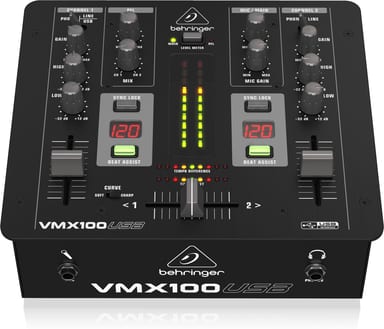
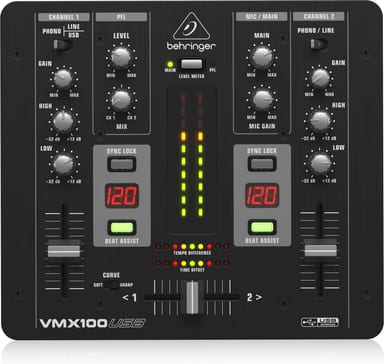
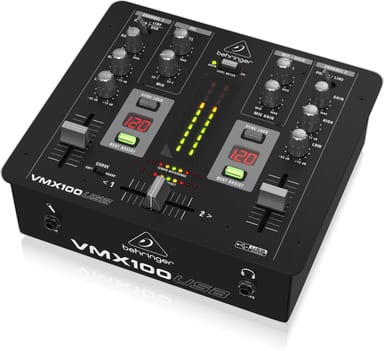
Learning to beatmatch takes patience. The VMX100USB shows the tempo of your sources, so you can check what your ears tell you. Once each tempo is locked, a green LED tells you the tempos match.
See when the beats line up
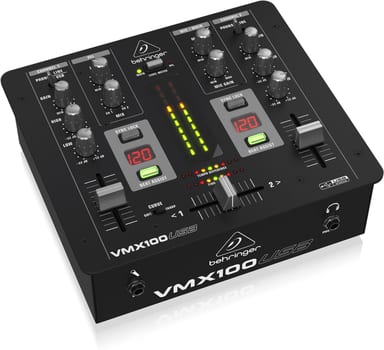
The tempos of the selected sources appear in the Beat Counter display. Press SYNC LOCK to stop the reading jumping, or tap BEAT ASSIST in rhythm to enter a tempo. The TEMPO DIFFERENCE meter lights in the direction of the faster source.
Cue the next track first
PFL MIX fades your headphones between channels 1 and 2, and PFL LEVEL sets their volume. The crossfader blends your sources, and CROSSFADER CURVE sets the slope of the fade.
Connect your computer over USB
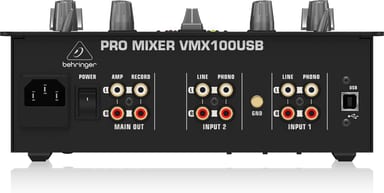
A PHONO/LINE switch selects the channel's source: phono or line, both on RCA. Stereo USB in and out runs at 16-bit and 48 kHz. A ¼" TRS mic input with 53 dB of gain takes a microphone. The mixer weighs 2 kg.