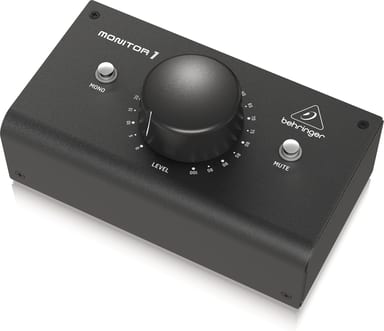
Turn it down without reaching for the speakers.
Your mixer or audio interface feeds a pair of monitor speakers. MONITOR1 sits between them, so the level you hear is one knob away. Mono and mute are on the same box.
Listen, check, silence
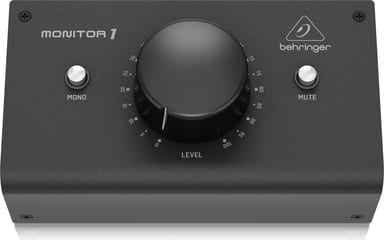
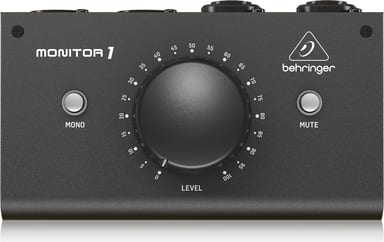
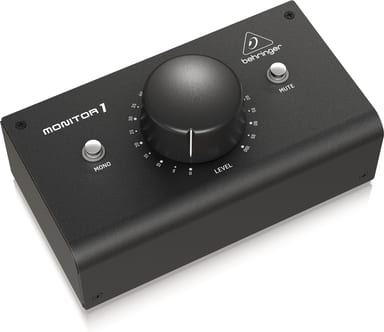
LEVEL sets what reaches the speakers, with up to 85 dB of attenuation. Press MONO and the left and right inputs are summed and sent as a mono signal to all outputs. MUTE silences all outputs, with 115 dB of attenuation. For the least noise, set your source output fairly high and do the turning down here.
Connect with XLR, TRS or a 1/8" cable
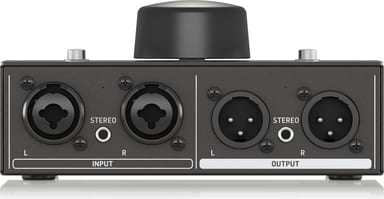
The inputs take balanced or unbalanced 1/4" TRS or XLR cables, or a single 1/8" stereo cable. Use the combo jacks or the 1/8" jack, not both at once. The outputs feed your speakers over XLR or a single 1/8" stereo cable, again one or the other. Frequency response runs from 10 Hz to 100 kHz ±1 dB.